Designing a homepage that adapts to each health plan
Problem
Every health plan and employer configures Vitality differently, but the old homepage had a fixed layout that couldn’t adapt to each setup.
Solution
A modular widget system that grows with each program’s configuration, tested with 41 participants.
Role
Design lead
Status
Widget system shipped · fixes in production
Team
Product, Engineering, Research
Platform
Web + responsive web
powerofvitality.com
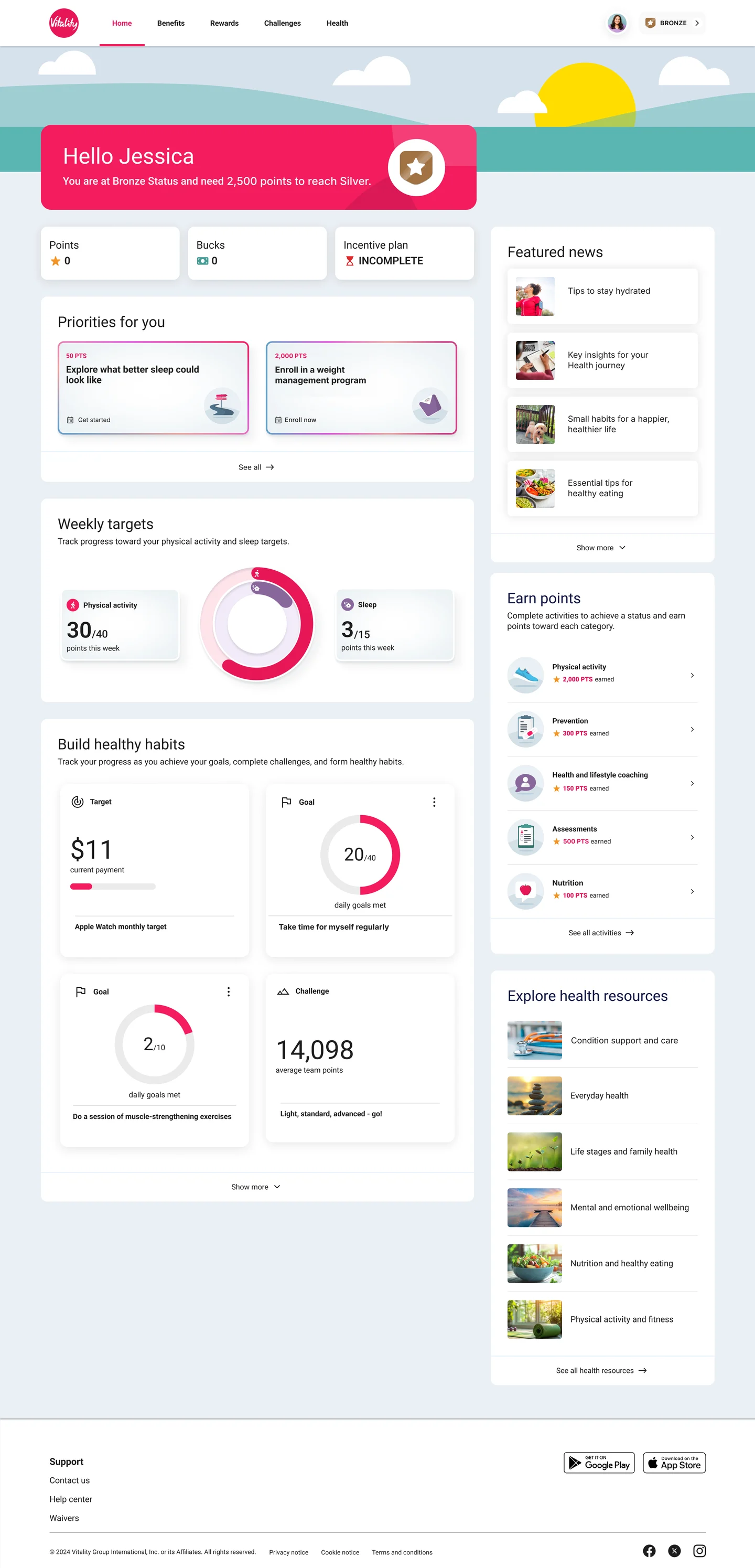
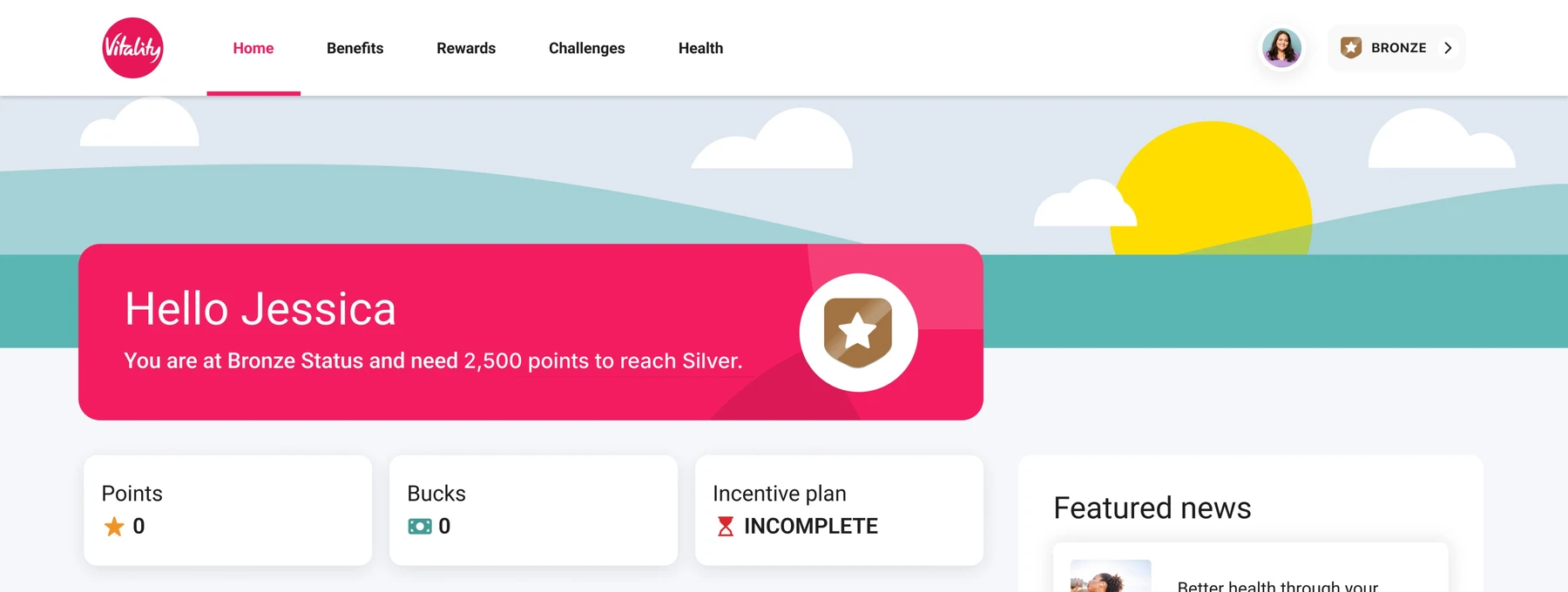
Points0
Bucks0
Incentive planINCOMPLETE
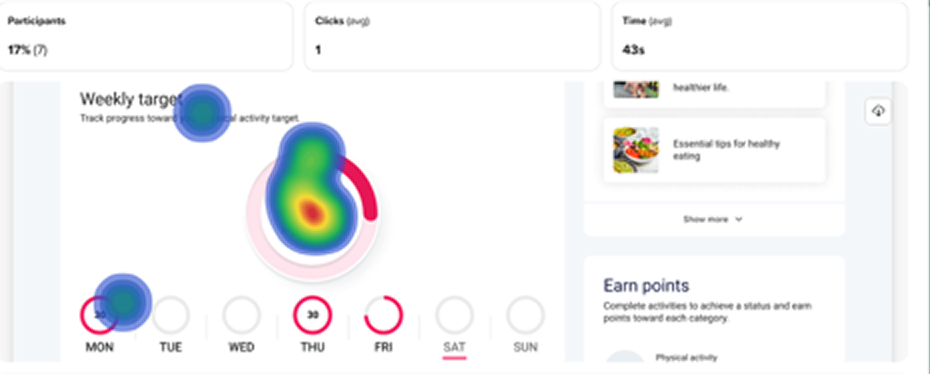
This weekTrack progress toward your physical activity target.Weekly targetsTrack progress toward your physical activity and sleep targets.
30/105points this week
15MONTUEWED15THUFRISATSUN
Maximum 15 points per dayView details
Physical activity30/40points this week
Sleep3/15points this week
Your journeys
Build healthy habitsTrack your progress as you achieve your goals, complete challenges, and form healthy habits.
Show more
Featured news
Tips to stay hydrated
Key insights for your Health journey
Enhance your well-being with our latest tips for a happier, healthier life.
Essential tips for healthy eating
Show more
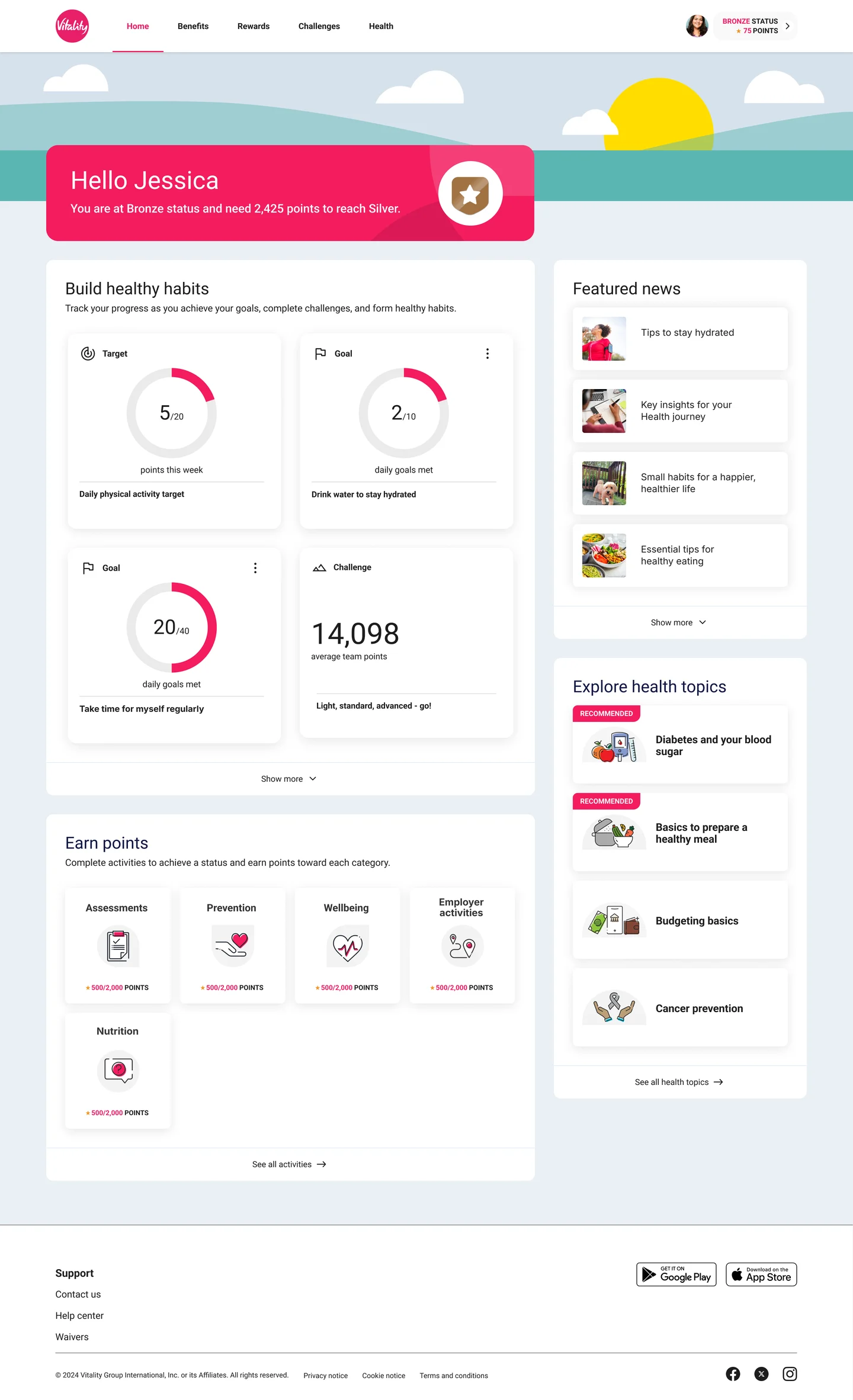
A homepage built from widgets that grow and slot in on their own.
Context
One fixed layout, many configurations
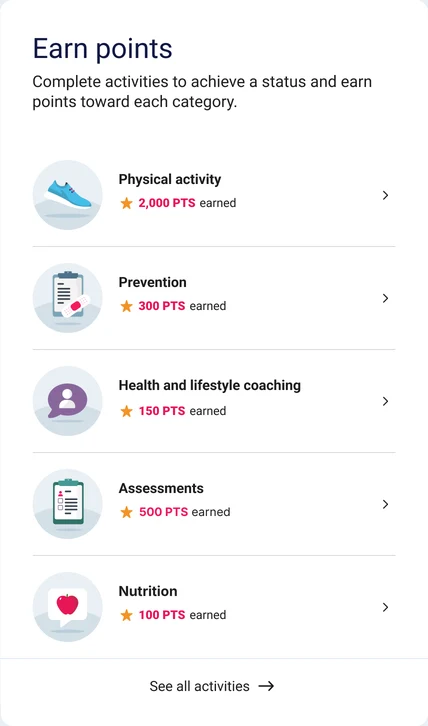
The homepage has to work for every health plan and employer, each with its own setup. Over time, that got harder: journeys became configurable per program, and weekly targets added sleep alongside physical activity. Meanwhile, Earn points, the main way members build status, sat at the very bottom of the page.
The challenge: a homepage that adapts to any configuration, and keeps what matters most near the top.
Cards in the section
Before · full-width sections
Priorities
Empty space
Build healthy habits
Empty
After · ⅔ + ⅓ widgets
Priorities
Empty
See all →
Build healthy habits
Featured news
Earn points
Before, every section was full width, so a member with one card saw an almost empty row. ⅔ and ⅓ columns stay balanced at any card count.My role
Design lead, from structure to study
I led the homepage redesign and ran the usability study end to end: I wrote the test plan, defined the tasks, and synthesized the results, with guidance from our UX research lead.
The redesign
From a long page to modular widgets
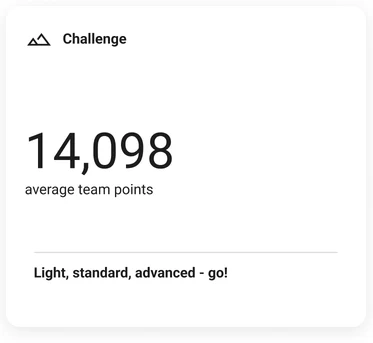
Instead of a visual refresh, I broke the page into self-contained widgets. Each health plan or employer turns them on or off and sets their order, and the page reflows on its own, including for features that don’t exist yet.
One system, many setups: the simplest and the most complex configuration of the same homepage.
1 Featured news1 → 4 cards2 Top banneropens status3 Points summary3 → 1 cards4 Weekly targets1 → 2 rings5 Your journeysslots in6 Habits1 → 4 cards
powerofvitality.com
Points0
Bucks0
Incentive planINCOMPLETE
This weekTrack progress toward your physical activity target.Weekly targetsTrack progress toward your physical activity and sleep targets.
30/105points this week
15MONTUEWED15THUFRISATSUN
Maximum 15 points per dayView details
Physical activity30/40points this week
Sleep3/15points this week
Your journeys
Build healthy habitsTrack your progress as you achieve your goals, complete challenges, and form healthy habits.
Show more
Featured news
Tips to stay hydrated
Key insights for your Health journey
Enhance your well-being with our latest tips for a happier, healthier life.
Essential tips for healthy eating
Show more
Widgets work like building blocks: each one grows or slots in, and the page reflows around it.Research
Testing whether members could find their way
I ran an unmoderated usability study with 41 participants to see whether people could find, understand, and use the new homepage.
41participants, new or prospective Vitality members
20+findability and comprehension tasks
Remoteunmoderated, on their own devices
UserTestingtesting platform
What we measured
Task success rate
Click paths
Ease of use (1–5)
Open feedback
Study limits
Prototype. Some areas weren’t clickable.
Pre-filled content. Fuller than a real member’s homepage.
New users. Returning members may behave differently.
Findings
Four things the study told us
Task: find your history of points earned
49%success
3steps
2clicks
55son task
Point history was hard to find
Only about half of participants found their point history. Many tapped the top banner instead, expecting it to open.
FixMake the banner clickable. It opens status details and rewards.
FixGive points their own entry below it, opening the points history.
Status and points, each with its own entry point.
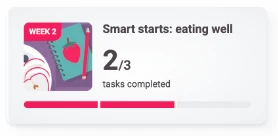
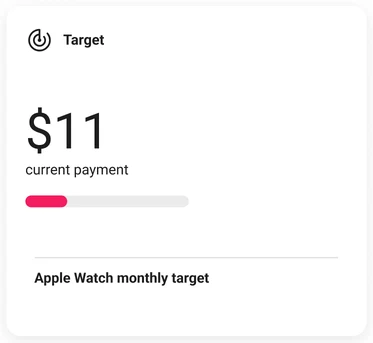
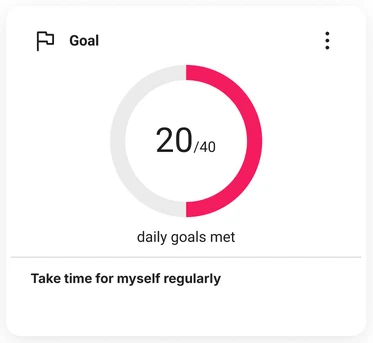
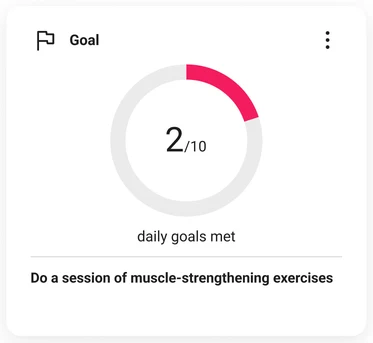
Widgets looked fully tappable
Participants tapped anywhere on a widget, not just the button at the bottom.
FixMake the whole widget behave like its call to action.
The same pattern across six widgets. Select one to enlarge.
Priorities for youPicked for you based on your health and activity
2,000 ptsConnect app or fitness deviceComplete by Jan 30, 2025
2,000 ptsGet a dental checkup
See all →
Motion got attention, not understanding
An animated rainbow border was meant to flag personalized recommendations, but most participants thought it was decorative.
FixSay it in words: a short line explaining the picks are personalized. Toggle above to compare.
Task: find the “Navigating stress and burnout” journey
62%16%22%
Found directlyFound indirectlyDidn’t find it
Explore health resources
Mental and emotional wellbeing
Nutrition and healthy eating
Physical activity and fitness
Overlapping names caused wrong turns
Journeys (guided health programs) and content categories covered the same topics. More than 1 in 5 participants didn’t find the stress journey, and some went to the matching “Mental and emotional wellbeing” category instead.
FixAdd related shortcuts on landing pages, so a member who lands in the category can still reach the journey.
Outcome
Principles that now guide the homepage
The study confirmed the modular approach and showed where it needed work. The widget system shipped, fixes are rolling out in stages, and each finding became a principle for future decisions.
How we’ll know the fixes worked
The fixes haven’t been re-tested yet. Once they’re all live, I’ll re-run the same tasks, and the original study becomes the baseline.
Point history49%found their points and status
Tappable widgets6 of 6widgets drew clicks on areas that weren’t tappable
Personalization1 of 29read the rainbow border as personalized
Journeys62%found the stress journey directly
Principles
Discoverable
Important information is easy to find, right where members expect it.
From: point history, overlapping names
Predictable
Widgets behave the way they look, and motion means something.
From: tappable widgets, rainbow motion
Modular
The homepage scales through reusable patterns, not one-off layouts.
From: the widget redesign
Flexible
The framework adapts to different programs, journeys, and future experiences.
From: four client configurations
Improving discoverability isn’t just about where content lives. It’s about making experiences behave the way members expect.

 0
0 0
0 INCOMPLETE